Mad Truck Challenge Unblocked — Play Free Online
More Trucks & Monster Wheels games


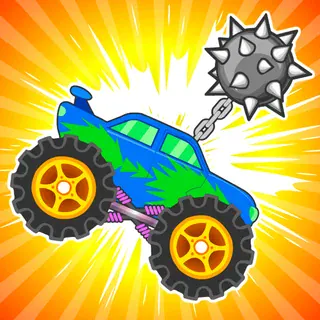



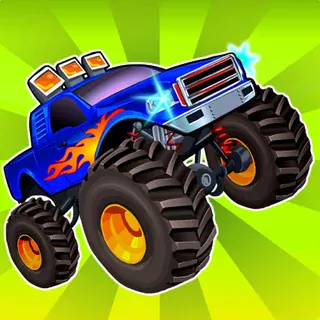



Mad Truck Challenge unblocked: play Mad Truck Challenge online free right here in your browser — no download, no sign-up, works on a school Chromebook.
Mad Truck Challenge is a physics driving game where the vehicle is a heavy truck and the course is a run of obstacles, ramps and parked cars. You steer with the keyboard, keep the truck moving, and try to get through the course without ending up on your roof. It plays free in the browser with nothing to install.
If you came from Drive Mad, the appeal is similar: a simple control scheme, a vehicle that reacts to every bump, and short attempts you can restart quickly. The difference is the truck itself. It is big and top-heavy, so the game is about managing weight and momentum rather than threading precise puzzles.
How to play
The arrow keys drive the truck. Up or right accelerates, and the opposite key brakes. The stated goal is to drive over the obstacles and smash cars along the way, so you are rewarded for keeping speed up rather than creeping forward.
The one warning the game gives is that heavy trucks tip easily. Most failed attempts come from landing badly after a jump or hitting a slope at the wrong angle, not from running out of speed.
Tips
- Land flat. Ease off the accelerator in the air and use the brake key to nudge the nose of the truck level before touchdown.
- Take the first stretch slowly to see how much the truck sways, then build speed once you know how it lands.
- Do not floor it into every obstacle. Enough speed to clear it is good, but too much makes the landing harder to control.
- If a run goes wrong, reload the page and start again. Attempts are short.
Similar games on Drive Mad
Hill Climb Racing Lite is the closest cousin, with a light vehicle and terrain that punishes throttle mistakes. Offroader V5 puts a rugged vehicle on rough ground, and Eggy Car swaps power for balance by making you carry something fragile. If you want two wheels, Stickman Bike and Crazy Bikes cover that.
Mad Truck Challenge suits quick keyboard sessions. A phone works only if the page gives you on-screen controls, so a keyboard is the safer choice here.
Questions about Mad Truck Challenge
Is Mad Truck Challenge unblocked at school?
Mad Truck Challenge runs in an ordinary browser tab from drivemad.click, with nothing to download or install, so it plays on most school Chromebooks and work computers. If a network filter blocks the site, only that network's administrator can change it.
What are the controls in Mad Truck Challenge?
The arrow keys drive the truck. Up or right accelerates, and the opposite key brakes.
Why does the truck keep tipping over?
Heavy trucks tip easily. Try to land flat after jumps and avoid hitting slopes at too high a speed.
Is Mad Truck Challenge free to play?
Yes. It runs in your browser on drivemad.click with no download or account.